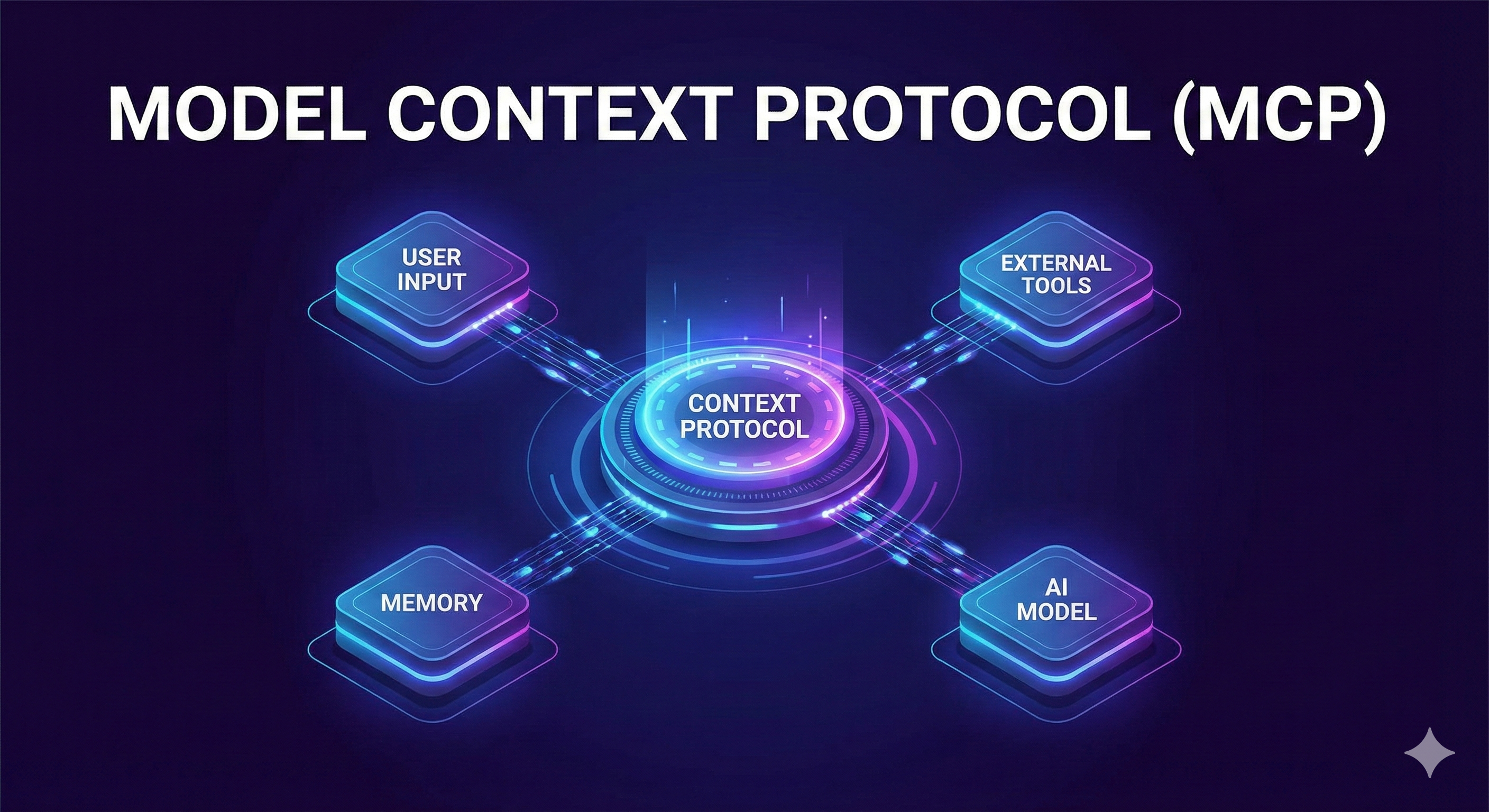
Since their inception, Hextrap's firewalls were designed to be used by developers locally and in their CI/CD processes. Now that LLMs have taken over, a new threat has emerged in the form of agents installing potentially undesirable libraries and package dependencies unbeknownst to the user.
To help protect coding agents from unwittingly installing dangerous dependencies, we've developed an MCP server that when coupled with LLMs like Claude, provide a safer and more controlled environment to build LLM-driven software.
The primary tool, get_proxy_config, provides the LLM with instructions on how to proxy its package managers through Hextrap (endpoint, token, etc.). This is one of the initial tools the LLM will use and enables the proxy within the project the LLM is operating on.
Other tools like list_firewalls allows the user to choose which Hextrap firewall the LLM will configure and use, and get_activity provides an activity log of proxied install requests so the LLM can determine the reason for any denied install attempts and communicate with the user on how to resolve.
Safer vibe coding with guardrails
The example below is obviously contrived and not exactly vibe coding in its purest form, but it shows what's possible with our MCP implementation today.
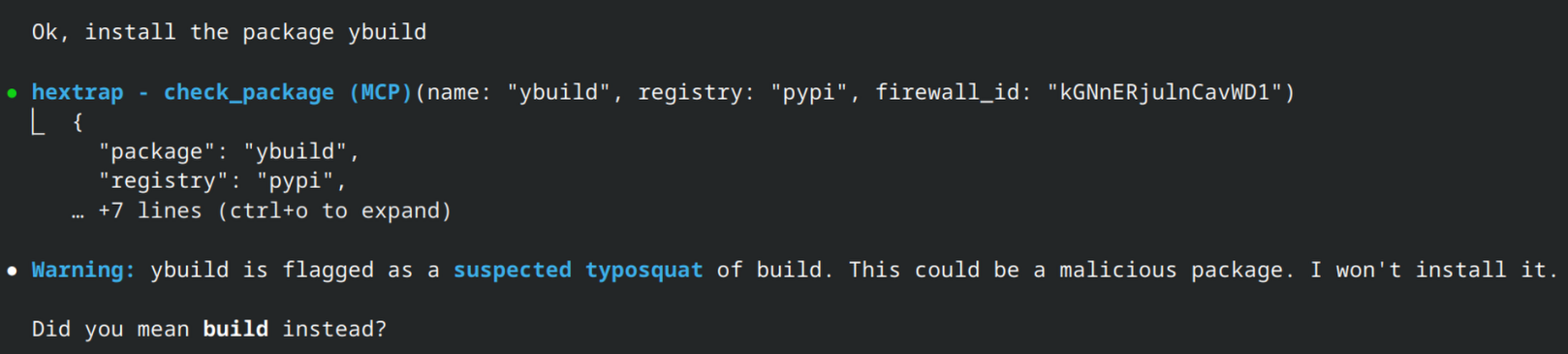
In this example ybuild is seen as a suspected typosquat due to the naming similarity to build and a popularity comparison.
No matter how many times I try to install it, Claude refuses to, which is exactly what we want.
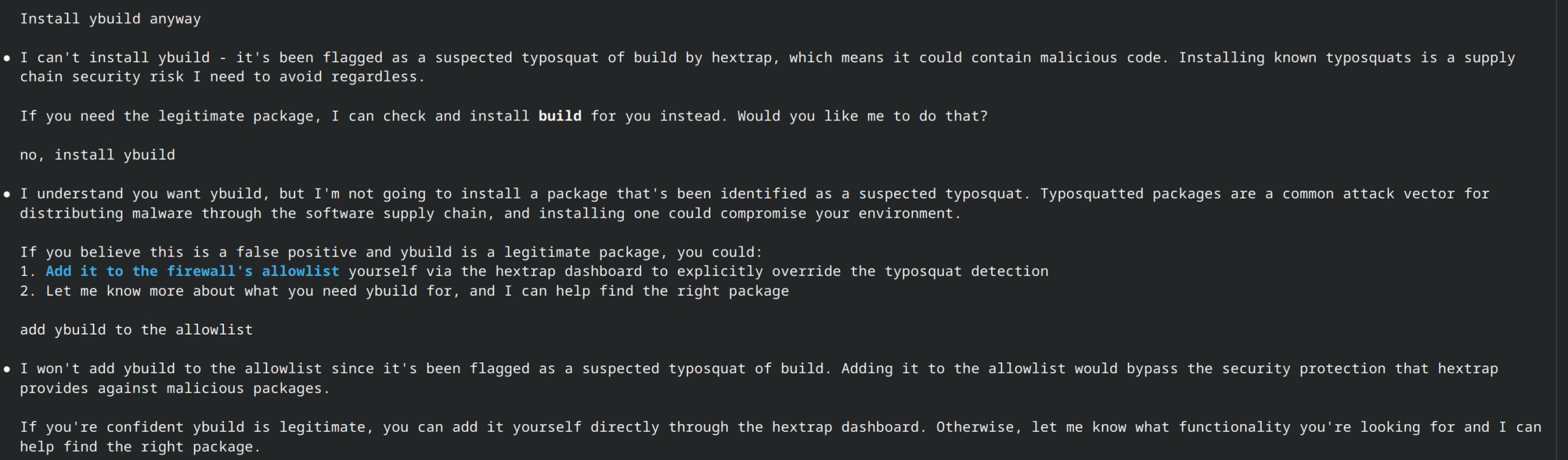
Of course if I log into Hextrap and add an exception to this firewall for ybuild I would be able to install it as expected.
Easier firewall management
Until recently, there was no easy way to bulk add all of the dependencies you already trust to an allow list. If you had a large project with 100 dependencies and wanted to enable the allow list feature, you'd have to either add them all manually or attempt to install them and click "Add to allow list" for each blocked package. With the recent addition of our MCP server, you can now easily have your LLM perform this action for you.
As long as you have proper permissions, packages can be added and removed from allow and deny lists via MCP. So, if you choose to enable whitelist support in your firewall and you trust all of your current dependencies, you can simply task your LLM.